Turn long videos into Shorts. Automatically.
Upload a podcast, interview or YouTube video. ShortsFlow finds the engaging moments, follows the speaker, adds animated captions and exports vertical clips you can review and publish.
Free. Open source. No watermark, no credit limits. It runs on your own computer.
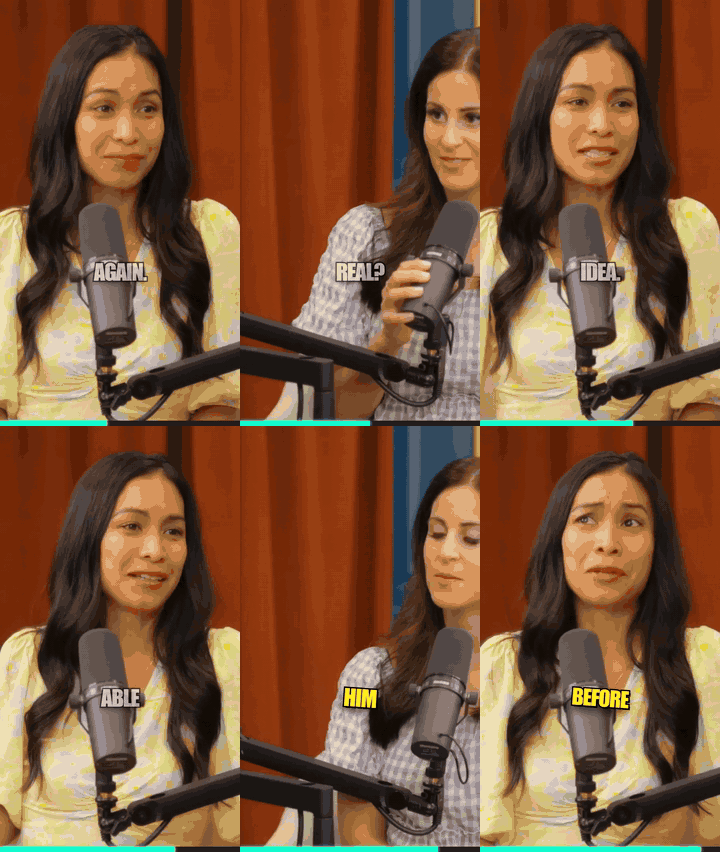
Before and after
One wide podcast video in, a vertical captioned clip out.
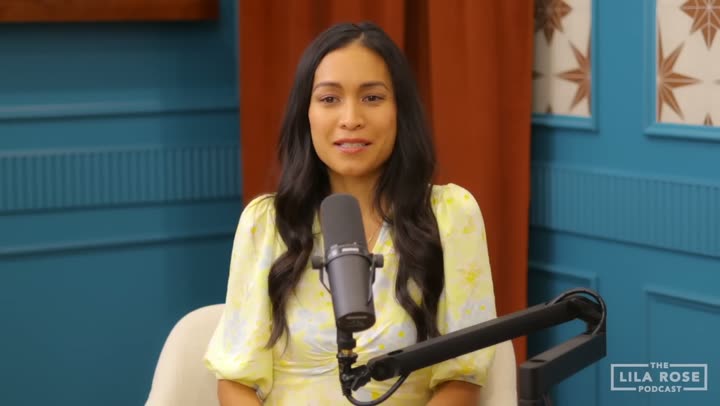
How it works
Three steps, no account needed to clip a video.
Add a video
Paste a YouTube link or upload a file from your computer, in the browser app or from the command line.
It finds the moments
Local speech recognition reads what is said, an AI scores the hooks, and every clip comes with the reason it was picked.
Review and export
Preview each short, change the caption style, trim it, add your logo and handle, then download the vertical video.
What it makes
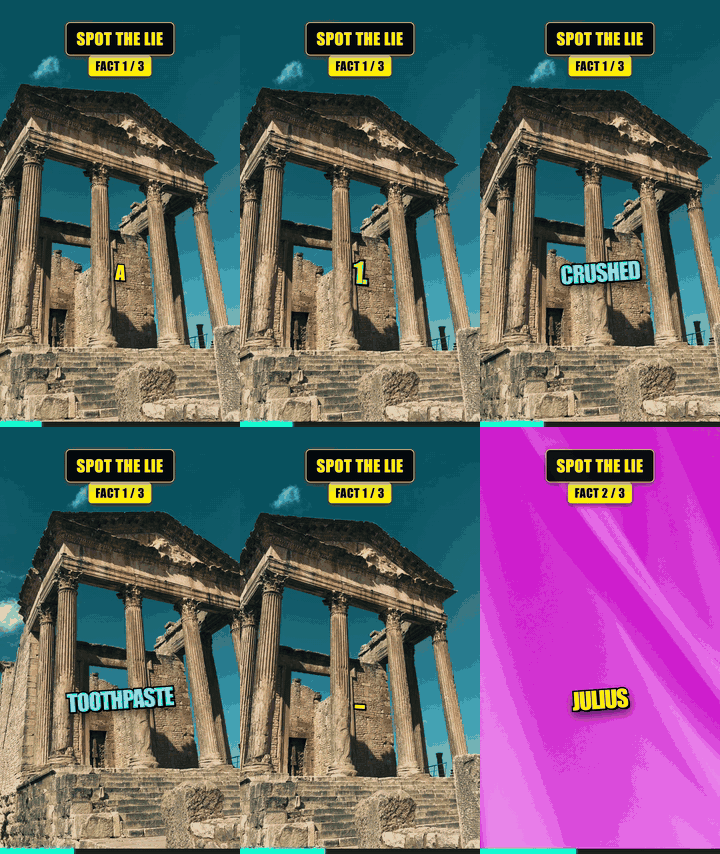
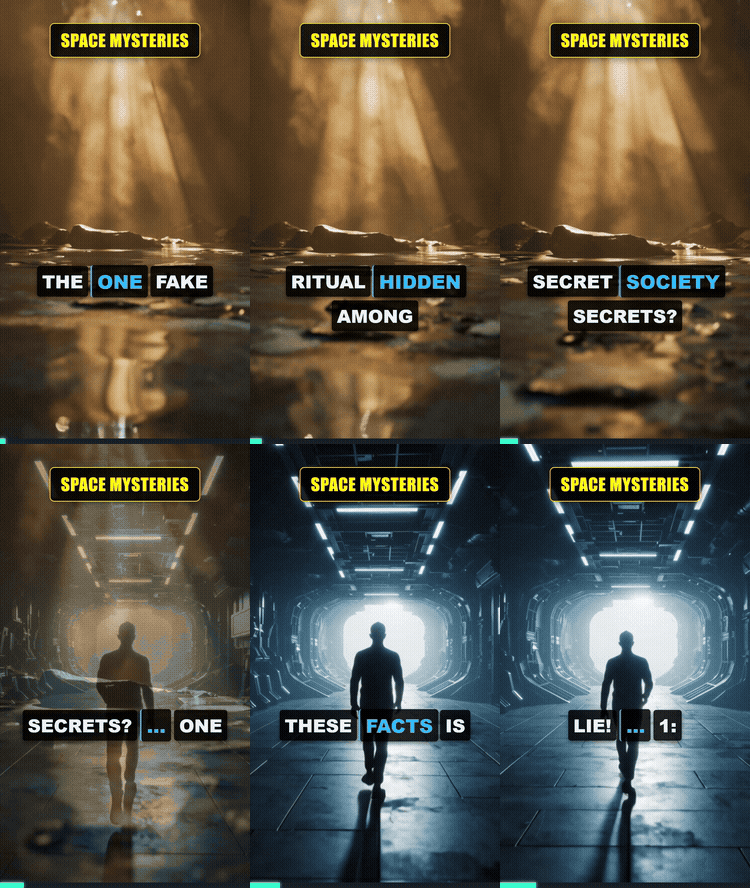
Real outputs. Each one is small here; the exported videos are much sharper.

Choose how you want to run ShortsFlow
There is no hosted demo yet: ShortsFlow runs on your own computer or in a free Colab notebook. Pick whichever is easiest.
Windows installer
Download, run it and open ShortsFlow from your desktop. No Python or API key to install first.
Good to know: the file is small (about 2 MB) and downloads roughly 2 GB on first run (about 5 GB with an NVIDIA card, for the GPU libraries). Needs an internet connection and no admin rights. Windows may show a blue "protected your PC" box because the installer is not code-signed yet: choose More info, then Run anyway.
Mac or Linux
Needs Python 3.12 and FFmpeg. There is no one-click installer for these yet, so this is the route.
pip install "shortsflow[clip]"
shortsflow doctor
shortsflow clip my_video.mp4
Docker
The browser app in a container, on any system that runs Docker.
docker run -p 7860:7860 \
  ghcr.io/ghost1412/shorts-generator
Then open localhost:7860.
Nothing to install
Open the notebook, run the cells and use the link it prints. Free GPU on Google Colab.
What stays on your PC, and what can leave it
Local by default. Here is exactly where data can go.
Stays on your PC: your video files, the speech recognition, the cropping, the captions and the rendering.
Fetched from the internet: a YouTube link is downloaded from YouTube to your PC when you paste one.
Can leave your PC, only if you use it: the transcript text goes to the AI provider you choose (Gemini, Groq and others) for titles and translations; small video frames go to Gemini if you turn on picture descriptions; text for computer voices goes to Microsoft's Edge voice service (or ElevenLabs, if you set it up) in the dub and idea-to-video modes; a Google Drive upload sends the finished video to your Drive; trip recaps send rounded GPS to the free OpenStreetMap service for place names. Picking Ollama keeps the AI text on your PC.
Honest limits: speech recognition is slow without an NVIDIA graphics card, and the quality of titles depends on the AI model you use.
And more
30+ formats
Facts quizzes, explainers, top-5 lists, stories and more, from just an idea.
Dubbing
Translate a video's speech and re-voice it, with a choice of tone and voice speed.
Game footage
Finds story and action moments, even silent fights, and picks the framing.
For agents
An MCP server and a REST API, so other tools can drive it.